The Limit Maintenance page gives Administrators ability to set upper limit and lower limits at a global and individual level for flexibility of cumulative positions, and maximum limits for saleable, new entrant, and leases. These limits are used in the month end processing and during the quota allocation or transfer processes.
To open the Limit Maintenance page from the Dashboard:
•Click Quota arrow on the menu bar, and then select Limit Maintenance.
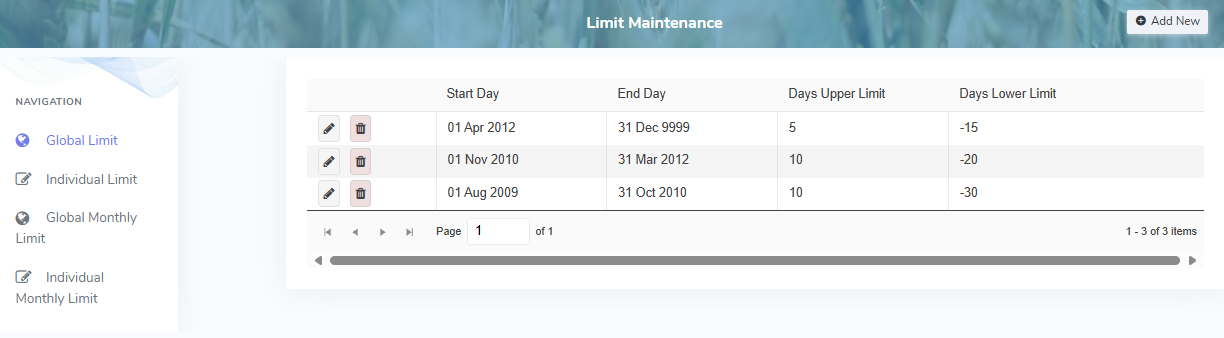
The Limit Maintenance page provides:
•Ability to navigate and display limits set at a global or individual level
•Ability to add, edit, or delete limits