To approve or decline the details of a GPS request from the GPS Requests page:
1)Click Edit icon of the GPS request you wish to update to open the GPS Update Request screen.
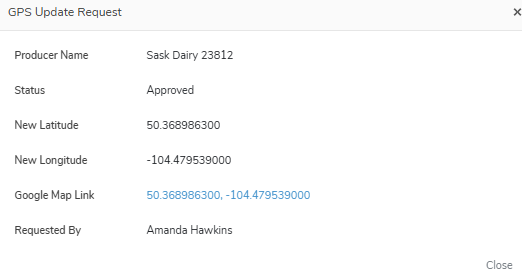
2)Click Approve or Decline to update the status of the GPS request.
3)Click Cancel to return to the GPS Request page without saving changes.