To search or find a producer contact who has been assigned a designation from the Designation Search page: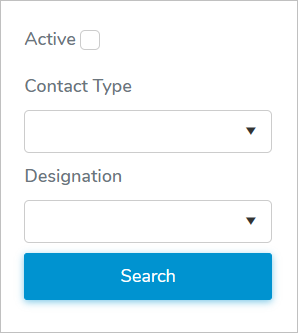
1)Type in one or more of the following details:
•Active: Select the check box if you would only like to search for contacts associated to currently active producers.
•Contact Type: Type the first letter of the contact type or click the arrow to display and select the contact type.
•Designation: Type the first letter of the designation or click the arrow to display and select a designation.
2)Click Search or Enter key on your keyboard to display a list of producer contacts matching your criteria.
 Note: If no matches, then a message displays no records available.